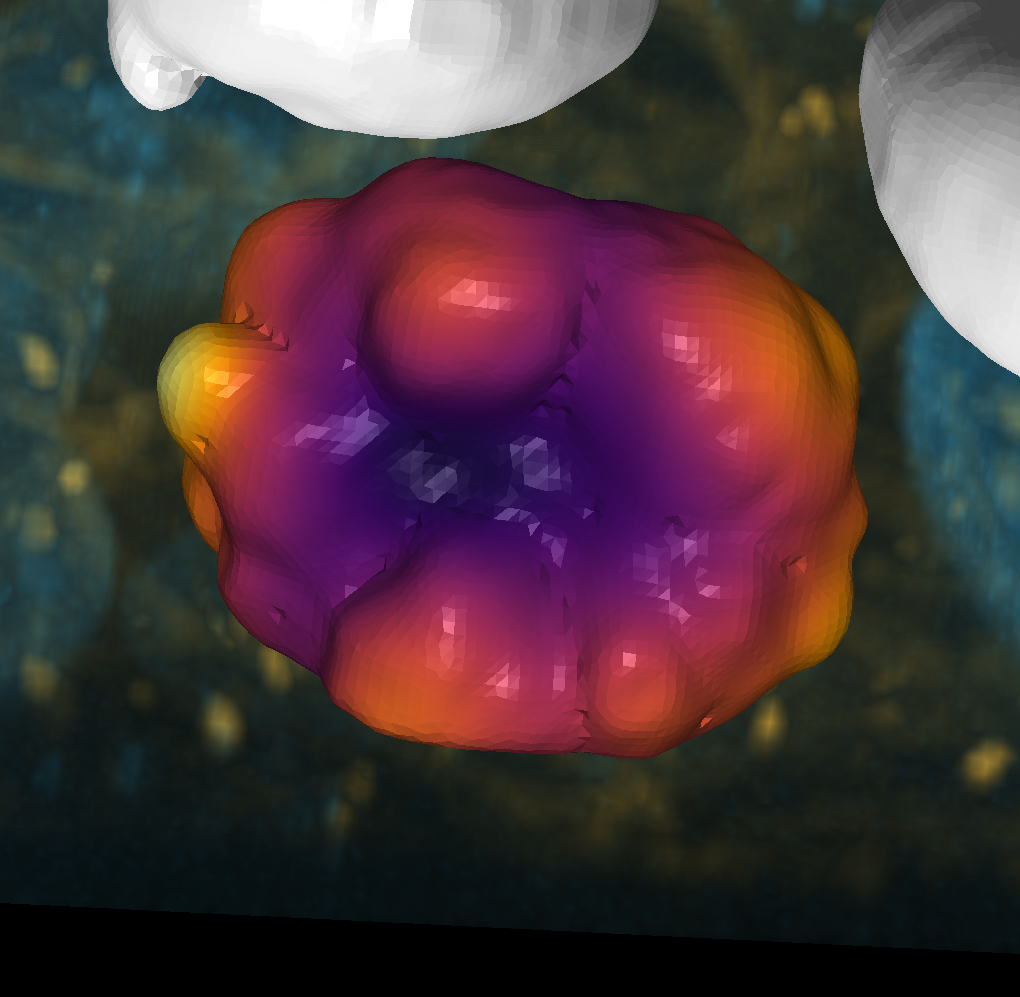
Shape correspondence#
You can use the shape correspondence tool to measure how different a mesh’s local shape is from any other vertex in the mesh. This is useful for finding the most similar vertex to a given vertex in a mesh.
import vedo
import napari
import napari_shape_odyssey as nso
from napari_shape_odyssey._signatures.landmarks import CorrespondenceWidget

import numpy as np
import matplotlib.pyplot as plt
import pandas as pd
viewer = napari.Viewer(ndisplay=3)
Invalid schema for package 'napari-stl-exporter', please run 'npe2 validate napari-stl-exporter' to check for manifest errors.
cow = vedo.load(vedo.dataurl + 'cow.vtk').triangulate().clean().subdivide()
layer = viewer.add_surface((cow.points(), np.asarray(cow.faces())), colormap='inferno_r')
layer.wireframe.visible = True
Calculate heat kernel signature#
heat_signature = nso.signatures.heat_kernel_signature((cow.points(), np.asarray(cow.faces())), np.linspace(0, 1, 10))
heat_signature = pd.DataFrame(heat_signature, columns=[f'heat_{i}' for i in range(heat_signature.shape[1])])
viewer.layers[0].features = heat_signature
We now add the Correspondence Widget to napari. If you activate the correspondence mode (Activate Correspondence) you can click on points on the mesh and see how different the rest of the mesh is from that point.
widget = CorrespondenceWidget(napari_viewer=viewer)
viewer.window.add_dock_widget(widget, area="right")
napari.utils.nbscreenshot(viewer)
